
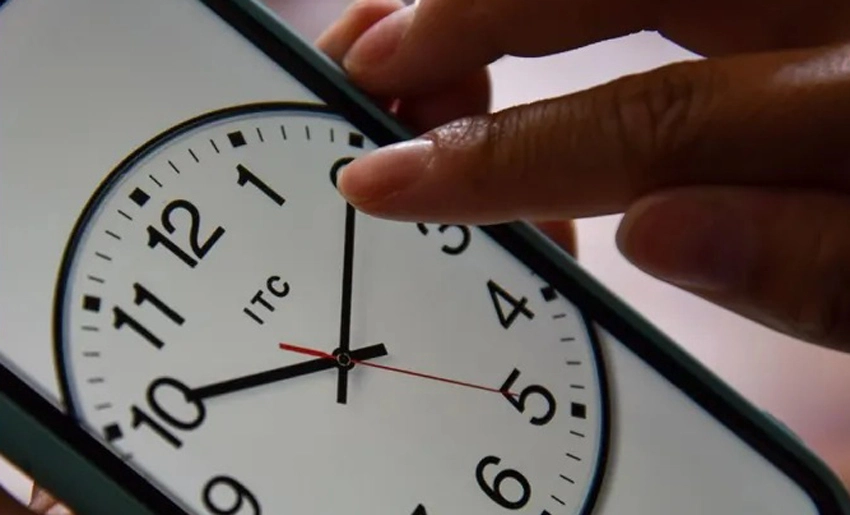
The Cuban government’s decision to maintain daylight saving time (summer time) until November 2027. It has not been reflected in mobile phone operating systems, which remain programmed according to the previous rules.
Smartphones do not check the news. Instead, they consult an internal database called “tzdata” (or the IANA time zone database). Which contains historical and scheduled time rules for every country.
Since Cuba’s official time change—originally planned for November 1st, 2026—was set in advance. Most devices still contain an instruction to set the clock back by one hour on that date (shifting from UTC-4 to UTC-5).
Consequently, it is highly likely that mobile phones will automatically change their time in the early hours of Sunday, November 1st. Even though the country is no longer observing such a change.
What should you do?
1-Check the time: When you wake up, see if your mobile phone has set itself back by one hour.
2-Correct it manually: If it has, go to Settings > System > Date & Time (the exact path may vary depending on the model) and temporarily disable the “Automatic time” (or “Set time automatically”) option. Then, manually adjust the time forward by one hour so that it once again aligns with UTC-4, which remains the official time in Cuba.
3-Re-enable automatic settings: Once corrected, you can turn the “Automatic time” setting back on. The phone will maintain the correct time until the database is—theoretically—updated with the new Cuban rule.
Until manufacturers release an update that incorporates Cuba’s official change, devices might attempt to shift the time again on the originally scheduled date.
With information from Cubadebate

- 4th Gathering of Paper Artists Concludes in Holguin - 30 de October de 2026
- What should you do when mobile phones automatically change their time this November 1st? - 30 de October de 2026
- Grand Concert by the Steel Band del Cobre to Close the 32nd Ibero-American Festival - 30 de October de 2026